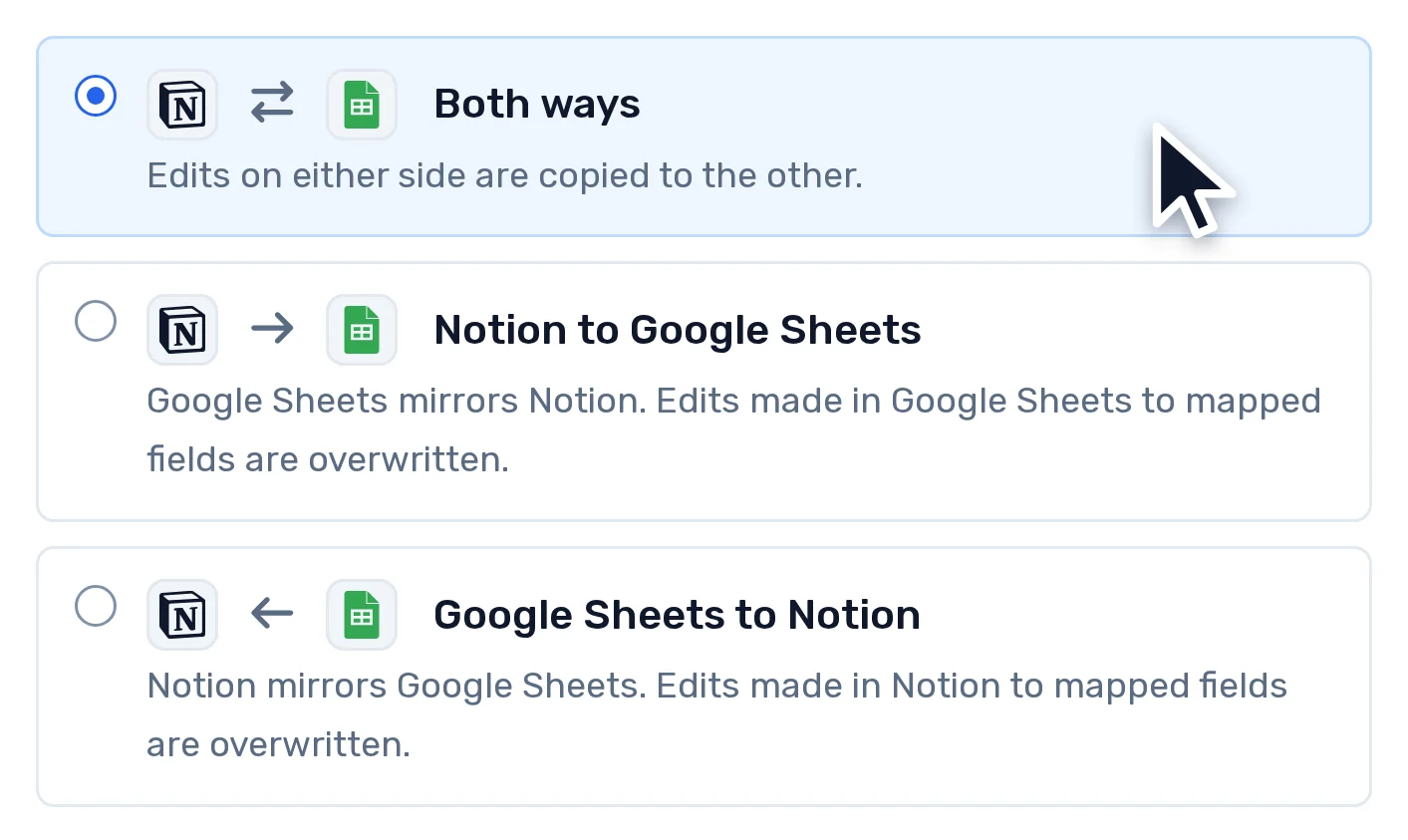
Genuinely two-way
Not a mirror with a preferred side. Both directions at once, per field if you want it, with the direction shown on every mapping.
Connect two apps and AI maps the fields between them. Every change after that syncs both ways, on the schedule you choose.
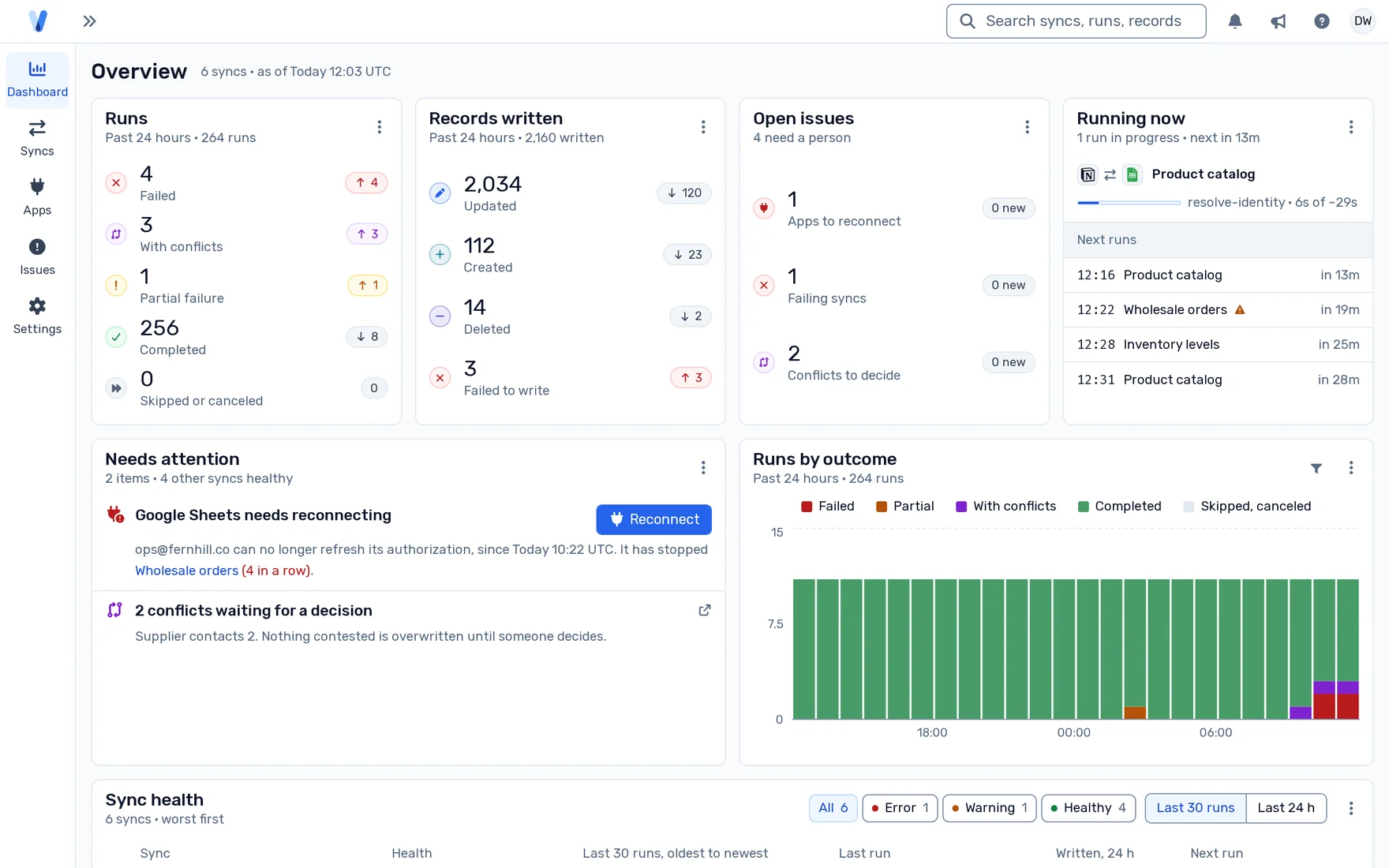
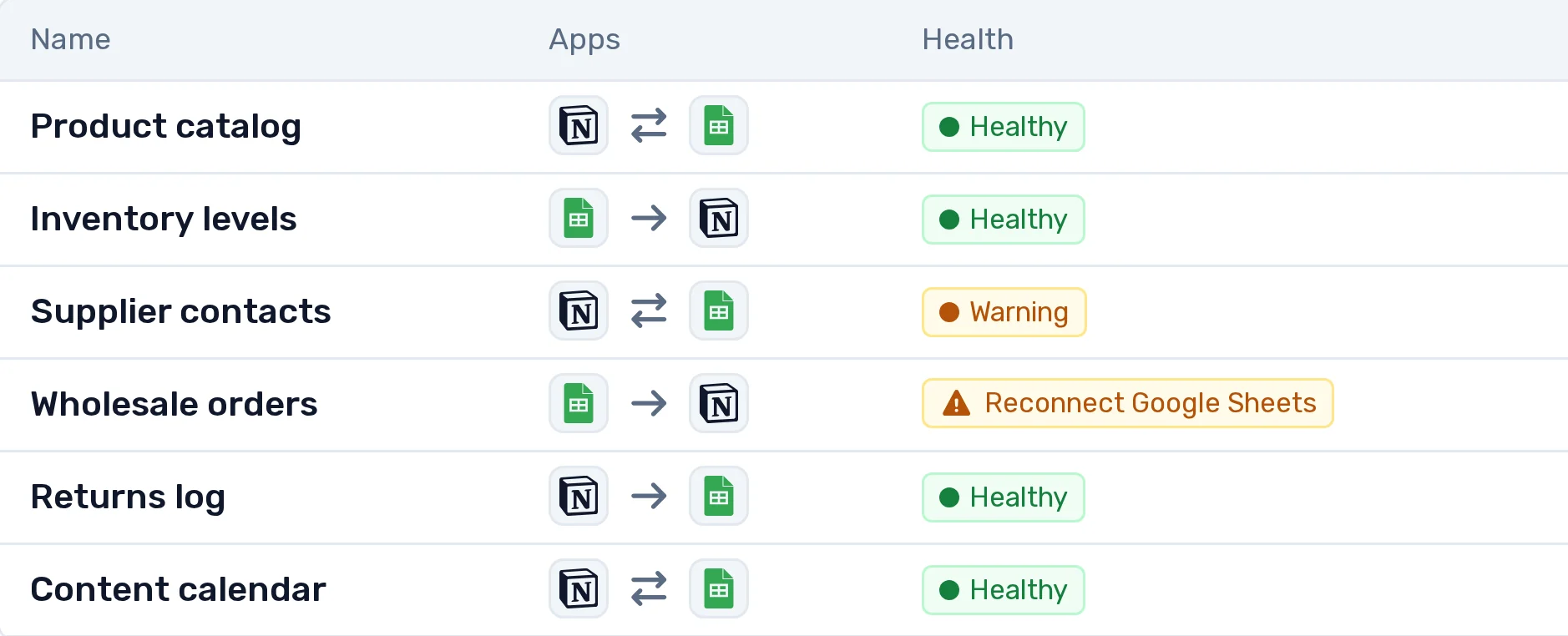
Syncs today between
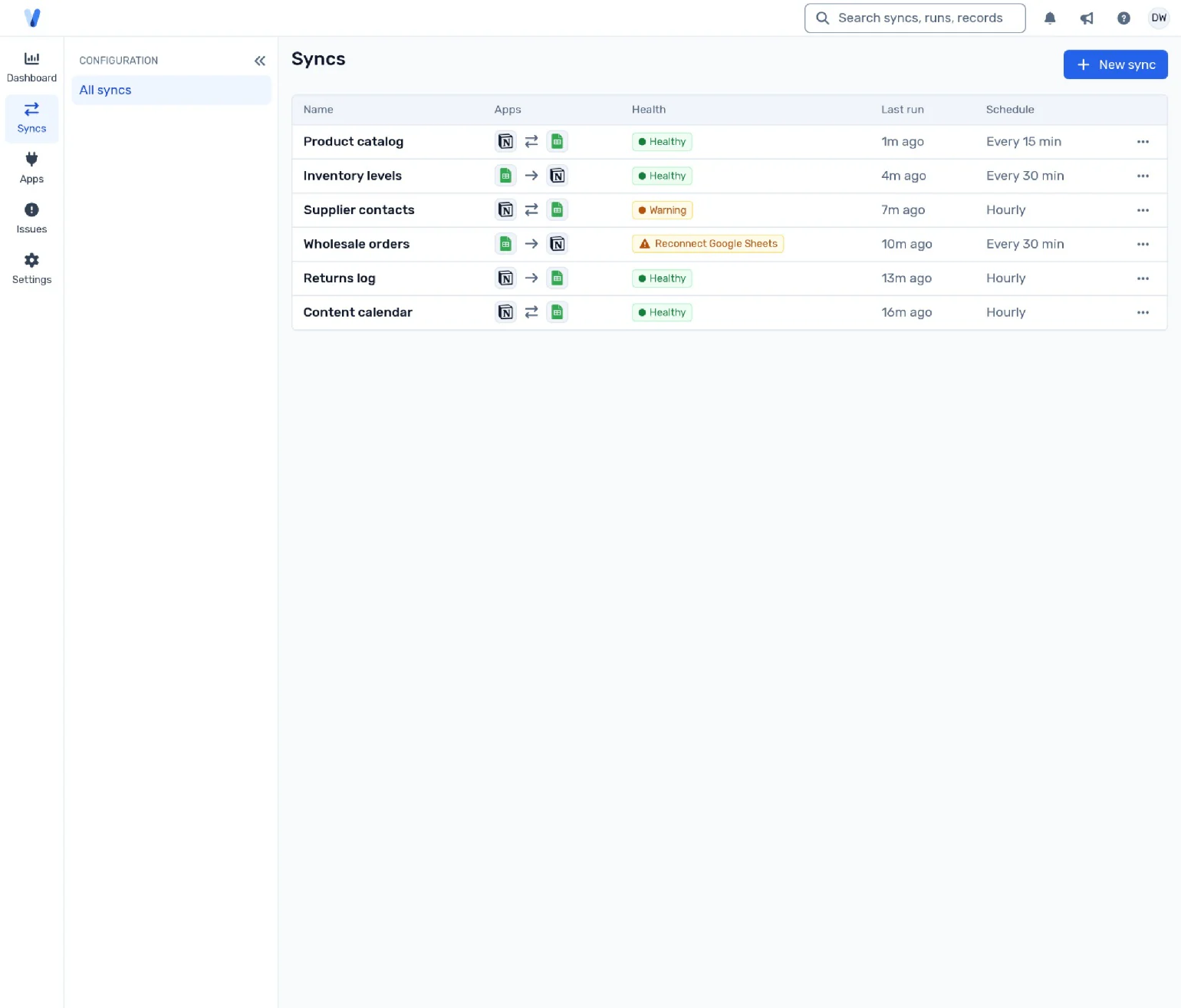
A recording of the RabbitSync console, 49 seconds long, with no sound. It opens on the syncs list: six syncs between Notion and Google Sheets, one of them failing. A new sync is created from a Notion database to a Google Sheets tab, both ways, every 15 minutes. The mapping agent proposes seven field pairs with a confidence for each, and the one it was less sure of is ticked by hand. Conflicts are set to Manual review, and the sync is created and run. The new sync appears at the top of the list, its first run under way.
Sign in to the apps you want to sync. RabbitSync keeps them connected and tells you if one ever needs you.
Run it on a cron expression or a fixed interval, or trigger it by hand. One run per sync at a time, so two runs can never fight over the same rows.
Pick the two resources, and let the field-mapping AI agent decide which fields pair with which; you can accept or reject each one.
The console shows every run: what it read, what it wrote, what it skipped, and the error code for anything that broke.
Not a mirror with a preferred side. Both directions at once, per field if you want it, with the direction shown on every mapping.
Health, runs, issues and connected apps, at a density built for scanning rather than scrolling.
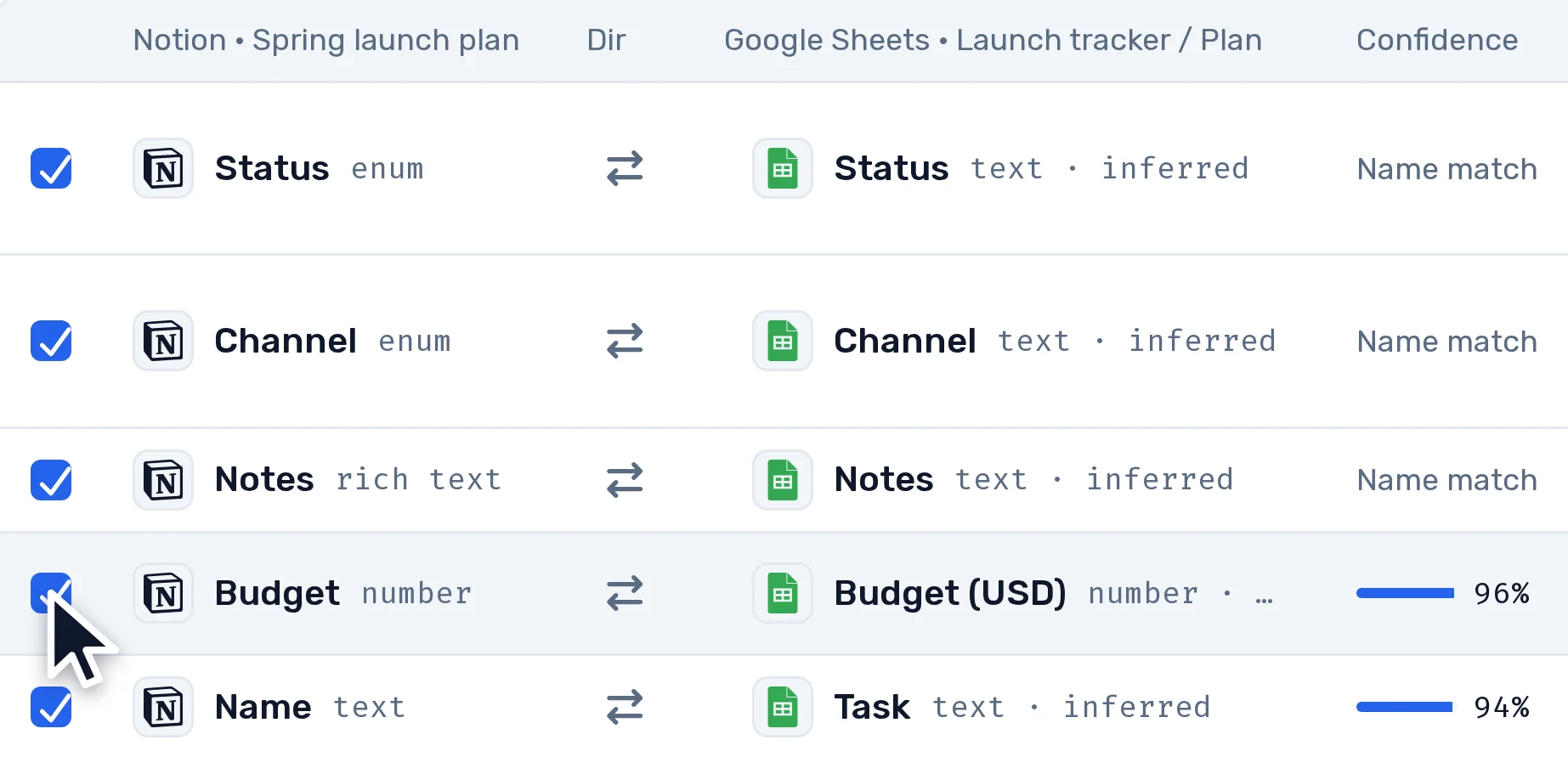
The agent proposes field pairs and shows its confidence. An accepted proposal becomes an ordinary mapping. Nothing maps itself behind your back.
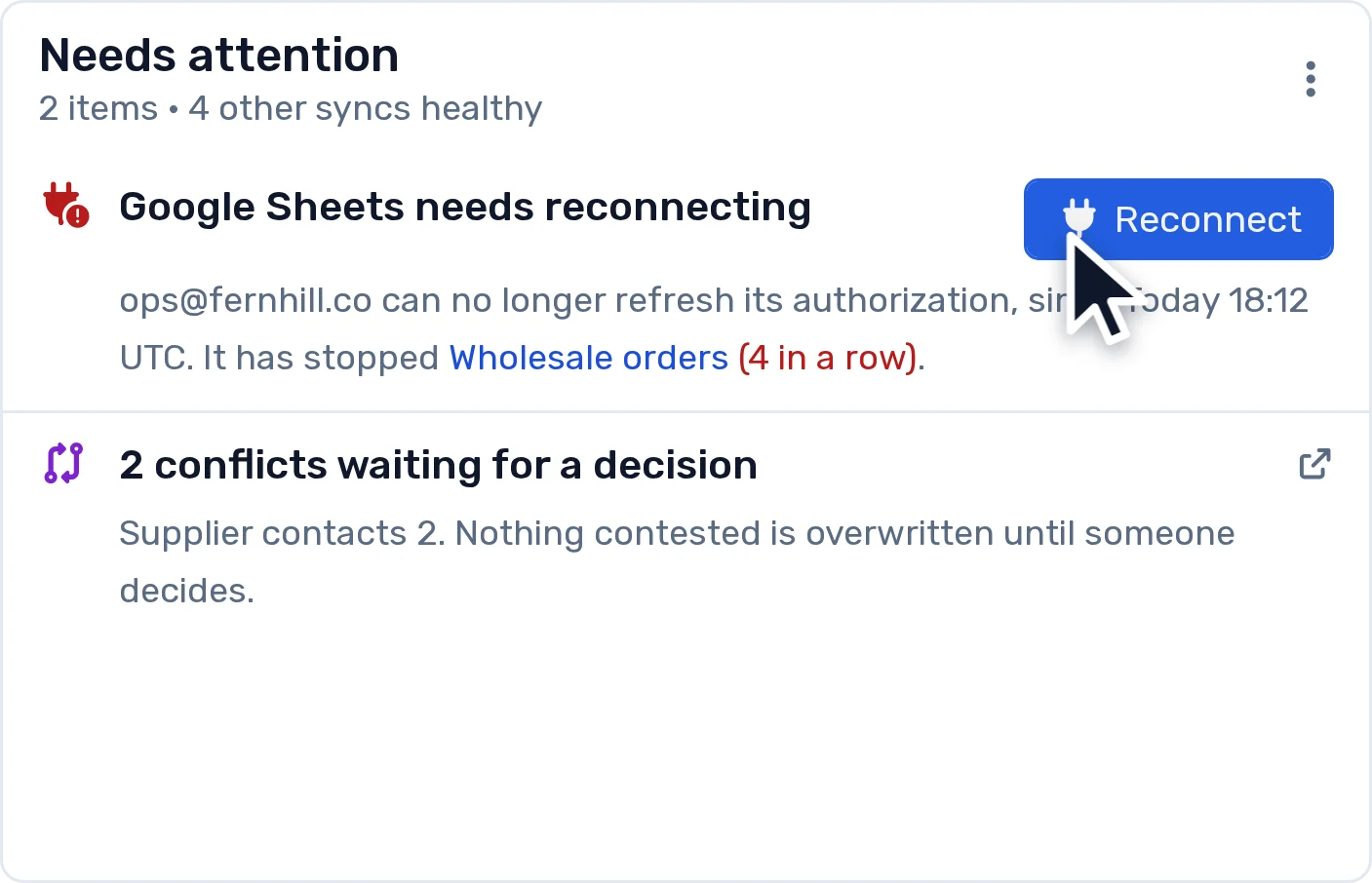
Rate limits, expired tokens and renamed resources happen every week. Each one gets its own state and its own message, not a generic error.
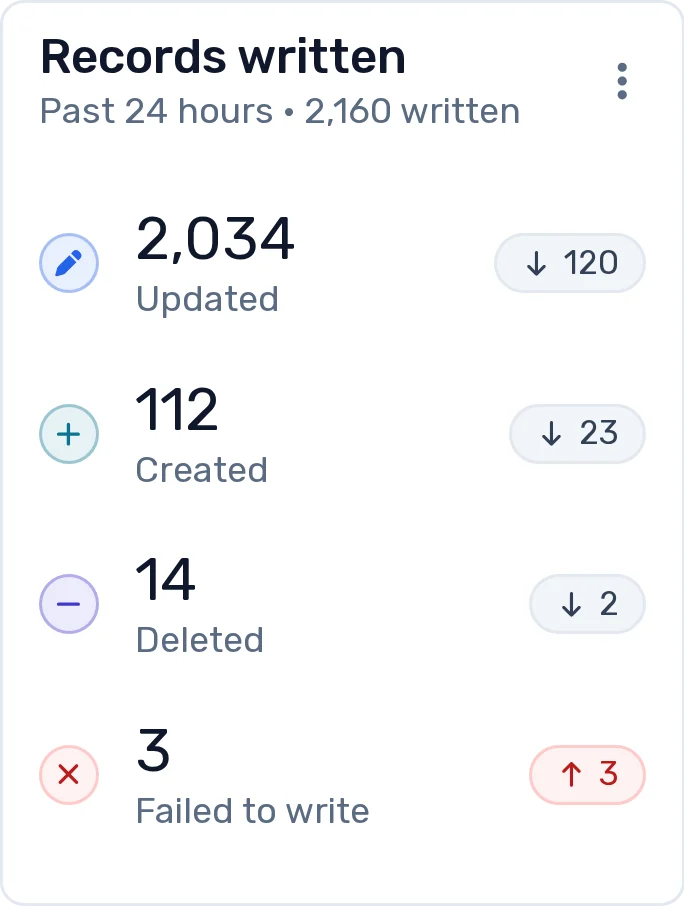
Each run compares against the last one and writes only what moved.
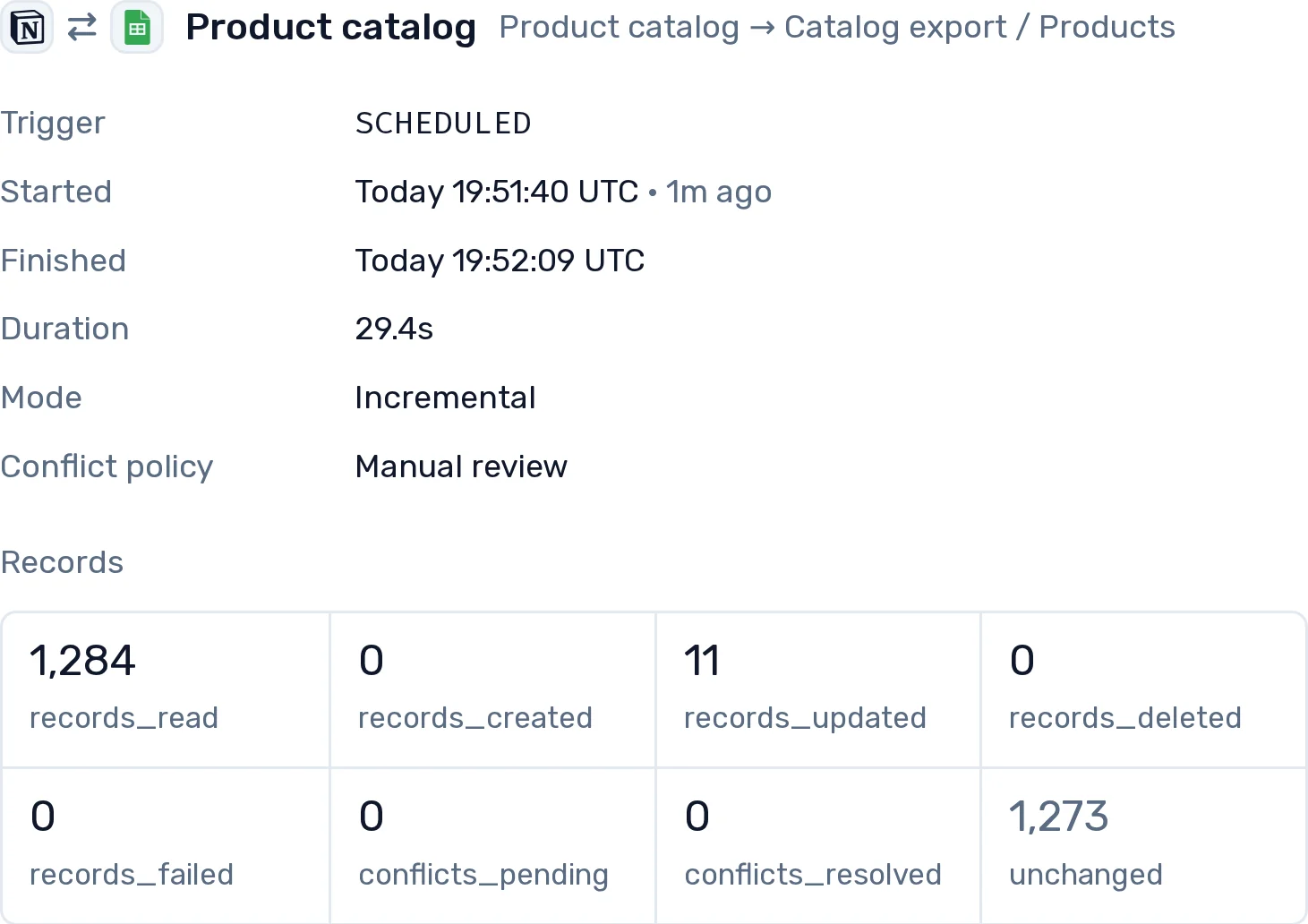
Record contents pass through in memory and are not stored in our databases. We keep identifiers, field names and counts.
A few syncs, run as often as hourly.
$39/mo
Billed annually, $468/yr
A team's syncs, as often as every five minutes.
$79/mo
Billed annually, $948/yr
Large tables, as often as every 30 seconds.
$199/mo
Billed annually, $2,388/yr
Prices are in US dollars. Subscriptions are sold through Lemon Squeezy, our reseller, which adds sales tax or VAT where it applies. Cancel anytime in the console: your plan stays active until the end of the period you paid for, and partial periods are not refunded except where the law requires it. The Terms of Service have the details.
Record contents are read, compared and written in memory, and are not stored in our databases. We keep what a sync needs to pick up where it left off: record identifiers, fingerprints, field names and run history.
Notion databases and Google Sheets tabs, in either direction or both at once. The connectors page lists what each side supports.
It follows the conflict policy you choose for the sync: one side always wins, the most recent edit wins, or Manual review. Under Manual review the field is parked, the run reports it, and you decide it on the Issues page, where both values are read live from Notion and Sheets.
As often as your plan allows: hourly on Basic, every five minutes on Plus, every 30 seconds on Pro. Schedule it with a cron expression or an interval, or run it by hand from the console. One run per sync at a time, so two runs never write the same rows at once.
The mapping agent reads the two schemas: field names and types, never record values. It proposes field pairs with a confidence score, and nothing maps until you accept a pair. Our AI providers may not train on what we send them.
7 days on Pro, with no card. When it ends without a plan, the account becomes read-only: your syncs and their history stay visible, and syncs stop running until you choose a plan.
Your account's admins are told, and a grace period starts: 7 days, or 14 on Pro. After that, the syncs over the limit stop until you upgrade or reduce usage. We never delete data to enforce a limit.
Yes, in the console. Your plan stays active until the end of the period you paid for. Subscriptions are sold through Lemon Squeezy, our reseller, and partial periods are not refunded except where the law requires it. See the Terms of Service.
Connect both sides, let AI drive it for you. Start a free trial today.
Start a trial